
Eatventure MOD APK v1.54.0 (Unlimited Gems, Money, No Ads)

| App Name | Eatventure |
| Publisher | Lessmore (part of Miniclip) |
| Genre | Simulation |
| MOD Version | 1.54.0 |
| Official Latest Version | 1.54.0 |
| Size | About 135 MB |
| Requires | Android |
| Offline Play | Yes |
| Cloud Save | Not supported in the MOD |
| MOD Features | Unlimited Gems, Unlimited Money, Free Shopping, No Ads |
| Google Play | Eatventure on Google Play |
Eatventure Overview
Eatventure MOD APK is a modified copy of the official restaurant game by Lessmore. The mod gives you unlimited gems and money, free shopping and no ads. You can upgrade every kitchen, open every box and move through cities without waiting.
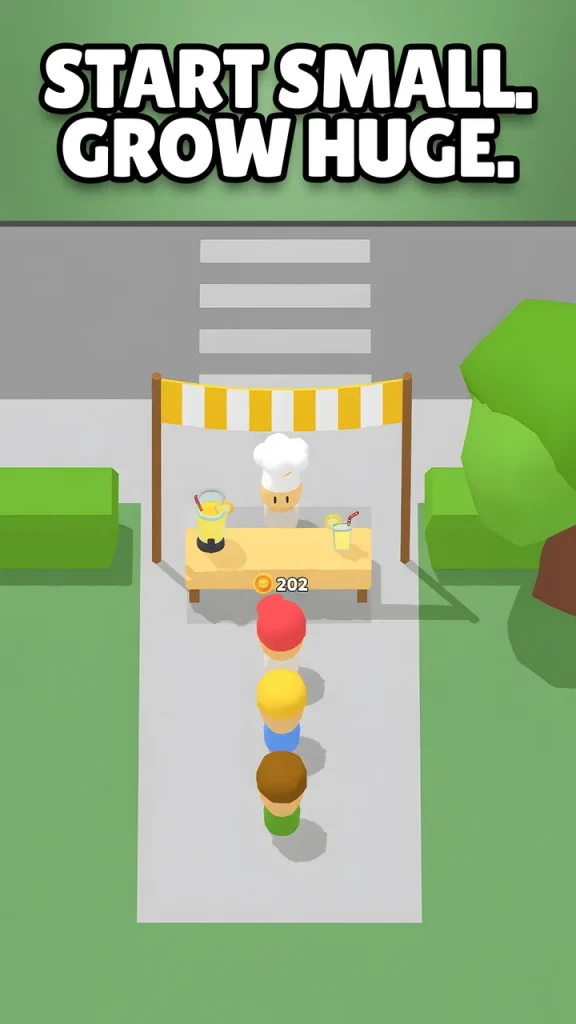
The game is an idle cooking tycoon. You start with a tiny lemonade stand, one worker and one product. You sell, upgrade and hire until the stand becomes a full restaurant. Then you move to a new city and do it again. Some players spell it “Eat Venture”, but it is the same game. Eatventure came out in February 2022 and has more than 50 million downloads on Google Play. In 2025, mobile games company Miniclip bought Lessmore, the studio behind it.
Progress in the original slows down a lot in later cities. Upgrades get expensive and gems come in small amounts. The mod removes that wall.

Eatventure MOD Features
- Unlimited Gems: The premium currency never runs out. Open equipment boxes and buy vault bonuses as often as you like.
- Unlimited Money: Cash for upgrades is always there, so every product and station levels up fast.
- Free Shopping and Free Purchase: Shop items and offers cost nothing. Eatventure mod free purchase means you never pay real money for a pack.
- No Ads: Reward ads, like Investors, give their bonus without a video.
- Mod Menu: A floating menu to switch features on and off.
- Original Gameplay: The same cities, restaurants and events as the official game.
| Feature | Original Game | MOD |
| Money | Earned from sales, slow in later cities | Unlimited |
| Gems | Small rewards, or bought | Unlimited |
| Equipment boxes | Cost gems | Open as many as you want |
| Vault bonuses | Cost gems | Free |
| Investor boosts | Need an ad | No ad needed |
| Cloud save | Yes | No |
| Gameplay | Idle restaurant tycoon | Same |
Eatventure Unlimited Money and Gems
Eatventure uses two main currencies.
- Money (cash) comes from every sale. You spend it on product upgrades, new stations, staff and customers.
- Gems are the premium currency. You get them from upgrades and rewards, or buy them. They open equipment boxes and vault bonuses.
Searches for Eatventure unlimited money and gems are the most common because gems are slow to earn. On the official store, gem bundles cost from about $2.19 to $21.99. Event offers go up to $26.99, and a permanent boost costs $5.39.
Unlimited Gems Only vs Full MOD
Some players search for “Eatventure MOD APK unlimited gems only”. These builds change gems but leave money normal. They feel closer to the real game, since you still earn cash by playing. A full MOD changes both. Our file includes unlimited gems and money together.
Players in Brazil search for “dinheiro infinito”, and Spanish speakers search for “gemas infinitas”. Both mean unlimited money or gems.
Eatventure MOD APK Cloud Save: The Honest Answer
Many players want an Eatventure mod with cloud save. They hope to keep progress across phones. Here is the truth.
The official game can save your progress to the cloud through your Google account. A modded APK is signed with a different key than the official game. Google sign in checks that key, so in most modded builds the login fails. That means cloud save usually does not work in a MOD, and your progress stays only on your phone.
Some sites promise “Eatventure mod with cloud save” or a “cloud save cheat”. Be careful with these claims. Some builds may let you log in. Even then, impossible gem and money numbers can get your real account flagged or reset. No mod can promise “anti ban”, so we do not claim it.
What we suggest:
- Keep your real account on the official game. Do not log it into the MOD.
- Treat the MOD as a separate save. Play it for fun, knowing progress stays on this phone.
- Do not uninstall the MOD if you want to keep your progress. Update by installing over it.
Eatventure Mod Menu
Some versions include an Eatventure mod menu. A small floating button opens a list of options. You can turn features on or off while you play.
- Unlimited gems
- Unlimited money
- No ads
How Eatventure Works
From Lemonade Stand to Restaurant
Each city starts with one worker and one product. Upgrade your first product early. It raises its price and unlocks new stations and products. As you grow, you move from a lemonade stand to food trucks and then to indoor cafes and restaurants.
Station Level Milestones
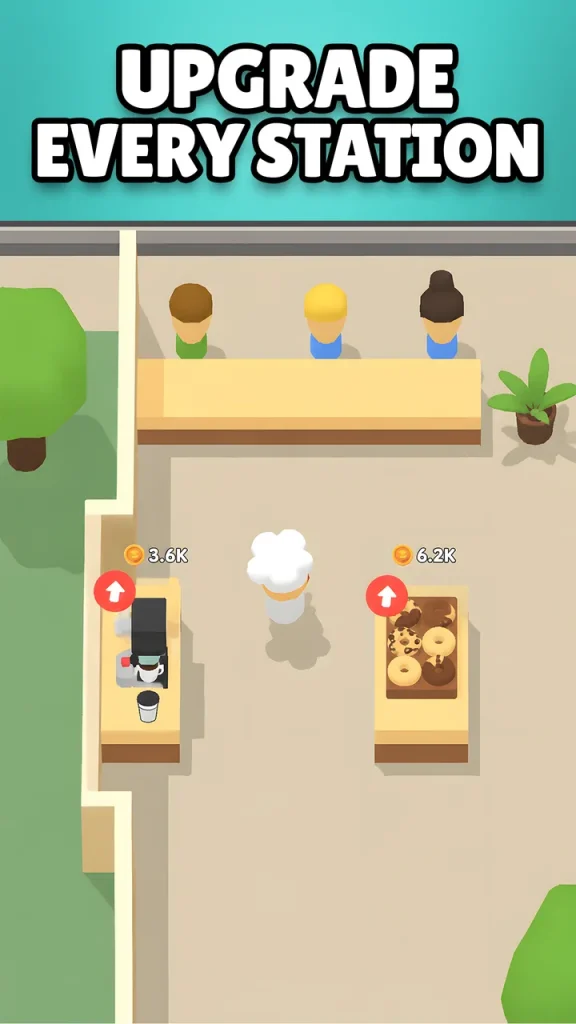
Each cooking station has milestone levels at 10, 25 and 50. Reaching one multiplies that dish’s price. Pushing a station to its next milestone gives a big jump in income.
Staff and Customers
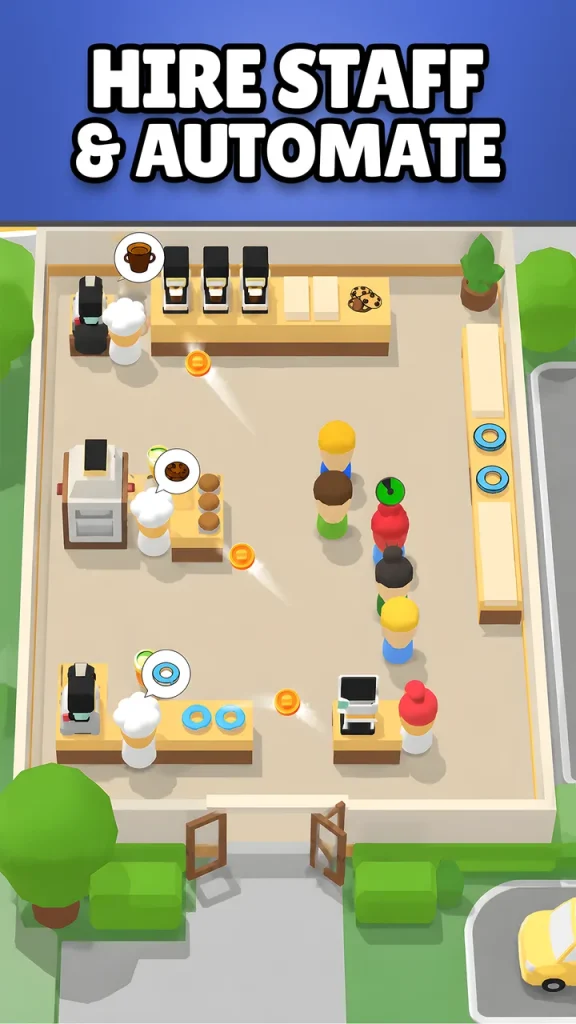
Chefs, cashiers and waiters take orders, cook and serve on their own. The number of customers you can handle depends on how many workers you have. Hire staff before you add more customers, or people wait and leave.
Your Manager and Outfits
Your first worker is the manager. Only the manager can wear outfits, like hats and shirts. Outfits give passive bonuses, such as faster walking or higher profits. You get new outfits from equipment boxes.
The Vault
The Vault uses gems for permanent bonuses that carry across cities. Examples include the Remote, which boosts ad rewards, and the Pickaxe, which raises the chance that investors offer gems. With unlimited gems, you can max the Vault early.
Gear Rarity and Blueprints
Equipment comes in five rarities: Common, Rare, Epic, Legendary and Ultimate. Legendary and Ultimate items are forged from blueprints using lower tier gear. This is where most players spend gems, and where the MOD saves the most time.
Pets
Pets hatch from eggs and level up when you feed them pet food. They add extra bonuses to your restaurants.
Investors
From the third stage, investors appear in black suits with suitcases. Tap one and watch an ad for a big profit boost. In the original, this is one of the best uses of a reward ad.
Cities and Events
When a restaurant is done, you move to a new city with new food and a fresh start. Weekend events take you to themed places like a moon base, a medieval castle or a pirate ship. You earn event tokens and trade them with the Merchant for items and gems. Target challenges also reward gems.
Redeem Codes
Eatventure sometimes gives free gems and coins through redeem codes. Tap the gear icon at the top right, choose Redeem Code and type it in. Codes are case sensitive and expire, so check the official community pages for new ones.
Eatventure Tips to Grow Faster
- Upgrade your first product early. It unlocks the next stations and earns gems.
- Hire before you expand. More workers means more customers served.
- Push stations to levels 10, 25 and 50. Each milestone multiplies the dish’s price.
- Put production speed first. For later products, speed upgrades beat walking speed and profit boosts.
- Never skip an investor. Their boost is the biggest in the game.
- Dress your manager for profit. Outfits with profit bonuses pay off in every city.
- Use codes when you find them. Free gems help a lot in the original.
Will It Run on My Phone?
At about 135 MB, Eatventure is a light game. It runs smoothly on most Redmi, Infinix, Tecno and Samsung Galaxy A phones, even with 2 GB of RAM. It plays offline, so it does not eat your data bundle.
How to Install Eatventure MOD APK
| Requirement | Details |
| Android version | 1.54.0 |
| Download size | About 135 MB |
| Free space needed | 400 MB or more |
| File type | APK |
| Root | Not required |
| Internet | Download only |
- Remove the Google Play version if you have it. A modded file has a different signature, so it cannot install on top.
- Tap the download button above. Mobile data is fine for this size.
- In Settings, search “install unknown apps” and allow your browser or file manager.
- Open the APK and tap Install.
- Start the game and check your gems and money at the top of the screen.
Leave Google Play Protect turned on. Google explains how Play Protect checks apps from outside the store. To check the file yourself, read how to check if an APK is safe. If your file is an XAPK, use our XAPK install guide.
How to Update the MOD
Download the new MOD from this page and install it over the old one. Do not uninstall first. Since the MOD has no cloud save, uninstalling deletes your progress.
If Android says “App not installed”, the signature has changed and you must uninstall first. Your save will reset, but with unlimited gems and money you can rebuild fast.
What’s New in the Latest Version
Version 1.54.0 arrived on September 17, 2026, with improved pet delivery and bug fixes. Our MOD file matches the official 1.54.0 build.
Pros and Cons
Pros
- Simple, relaxing restaurant building
- New cities and foods keep it fresh
- Light file that runs on almost any phone
- No forced ads, even in the original
- The MOD gives unlimited gems and money and free shopping
Cons
- Cloud save usually does not work in the MOD
- Progress is lost if you uninstall
- Can feel repetitive after many cities
Our Verdict
Eatventure is one of the most popular idle restaurant games for a reason. Turning a lemonade stand into a busy restaurant is easy fun. Each new city adds fresh food to cook. The problem is the late game wall, where upgrades cost too much and gems arrive slowly.
The mod breaks that wall with unlimited gems and money, free shopping and no ads. Just remember that cloud save fails in most modded builds. Keep your real account on the official game. If you enjoy idle tycoons, try Idle Egg Factory next.
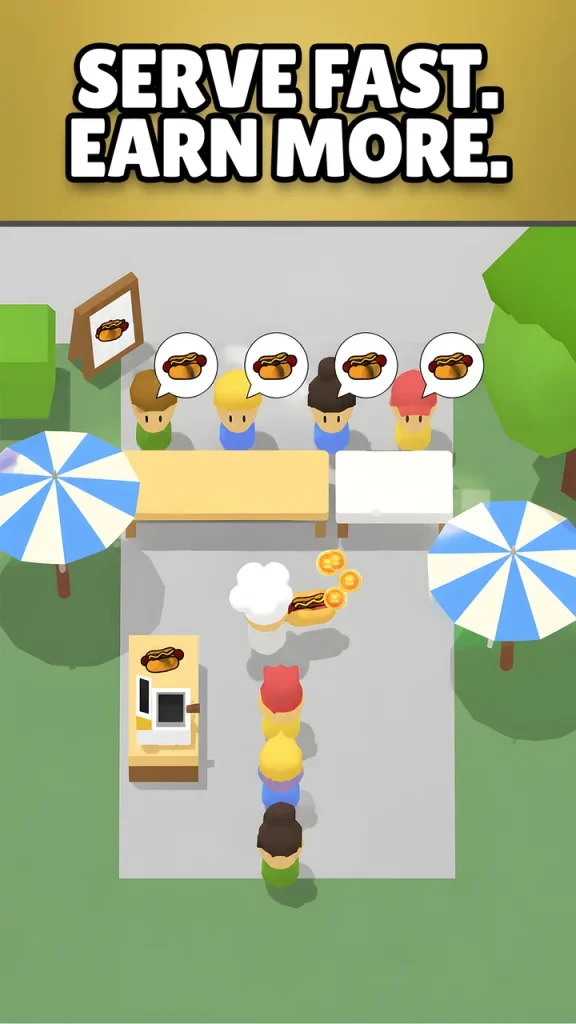
Screenshots
Similar Games You’ll Like
- Idle Egg Factory: Grow an egg empire with chickens, cows and sheep.
- Frozen City: Build the last town on Earth in an endless winter.
- Megapolis: Turn a small town into a giant city.
- Haunted Dorm: Upgrade your room and survive the ghost.
- Goat Simulator: Silly physics chaos for a break from tycoons.
See more in our Simulation category.
FAQs
Conclusion
Eatventure MOD APK gives you unlimited gems and money, free shopping and no ads. Every restaurant grows fast. The cooking, hiring and city building stay exactly the same. Cloud save does not work in most modded builds, so treat it as a separate save on your phone. Download the file, open your lemonade stand and build a food empire.


