How to Install XAPK, APKS and APKM Files on Android (2026 Guide)
Here is how to install XAPK, APKS or APKM files. Use a free split APK installer app such as SAI. Open the app, pick the file and tap Install. The app installs every part of the game for you. Android’s normal installer cannot open these files, which is why tapping them often does nothing or shows an error.
This guide shows you how to install XAPK files in under two minutes. It also covers APKS and APKM files, the manual OBB method and the common errors that stop an install.
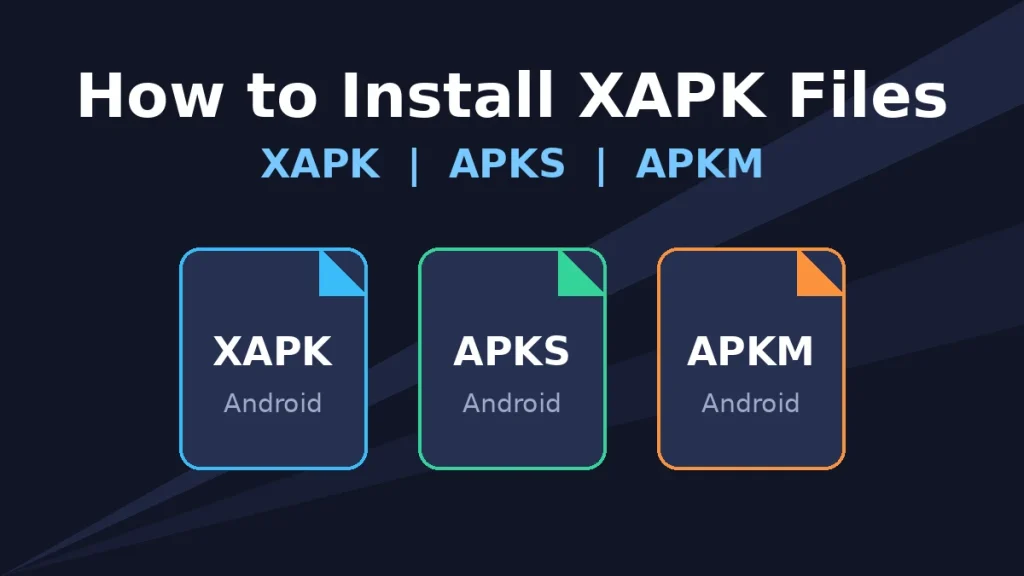
XAPK vs APKS vs APKM: Quick Comparison
| Format | Where You See It | What Is Inside | How to Install |
| APK | Every Android app | One single app file | Android’s own installer |
| XAPK | Big games on download sites, including ours | Split APKs, or one APK plus OBB game data | SAI, or the manual method |
| APKS | Files saved by split APK installers | Split APKs for one app | SAI |
| APKM | Some download sites | Split APKs, sometimes encrypted | SAI for normal files |
All three bundle formats are really ZIP files with a different name. The difference is how the parts inside are packed.
What Is an XAPK File?
An XAPK file is a package that holds more than one file for the same app. Big games come this way because Google Play now delivers most apps in pieces. One piece is the main app. Other pieces hold language files, graphics for your screen size or code for your phone’s processor.
An XAPK can hold one of two things:
- Split APKs. The base APK plus extra parts. Android installs them together as one app.
- APK plus OBB. One APK plus a large OBB data file with game graphics and sounds. Older big games use this.
Many of the original game files on our site come as XAPK. For example, the Rise of Kingdoms file is about 1.5 GB and includes game data. That is why a plain APK installer cannot handle it.
XAPK vs APK: What Is the Difference?
| Point | APK | XAPK |
| Number of files | One | Two or more inside one package |
| Opens with the normal installer | Yes | No |
| Usual size | Small to medium | Medium to very large |
| Needs an installer app | No | Yes, or the manual method |
| Common for | Simple apps and older games | Big games and Play Store bundles |
Knowing this difference is the key to how to install XAPK files correctly. Do not just rename an XAPK to APK. It will not install, because the parts inside stay separate.
Before You Start
Check these four things first. They prevent most failed installs.
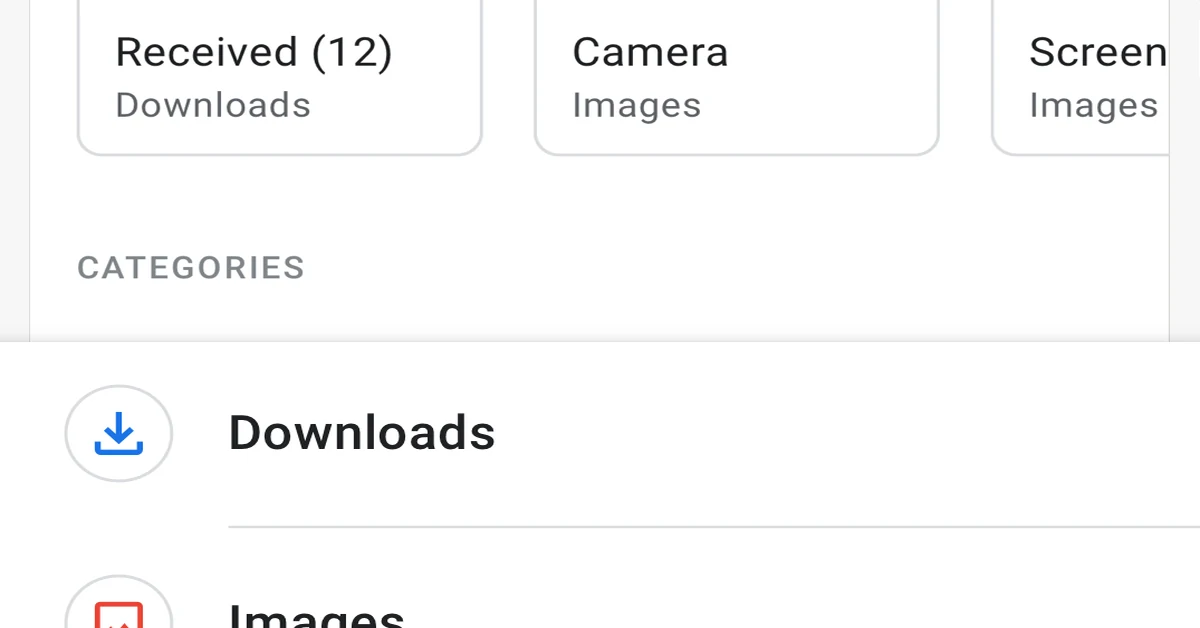
- Free space: Keep at least twice the file size free. A 1 GB XAPK needs about 2 GB while it installs.
- Unknown apps permission: Android blocks installs from outside the Play Store until you allow it for one app.
- Battery: Keep the phone above 30%. A shutdown in the middle can break the install.
- The right file: Download only from trusted pages that show a VirusTotal scan and a SHA-256 hash. Our guide to checking if an APK is safe explains how.
How to Allow Unknown Apps
The menu name changes a little between brands. The search box in Settings is the fastest way.
- Open Settings and search “install unknown apps”.
- Pick the app you will install from. This is your installer app, file manager or browser.
- Turn on Allow from this source.
On Redmi and Xiaomi phones, the path is usually Settings, Apps, Special app access, Install unknown apps. On Samsung Galaxy A phones, it is Settings, Apps, Special access, Install unknown apps. On Infinix and Tecno phones, the search method works best.
Method 1: Install XAPK, APKS or APKM With SAI (Easiest)
This is also how to install APKS file packs and most APKM files. SAI stands for Split APKs Installer. It is a free, open source xapk installer that handles all three bundle formats. It works without root on most phones.
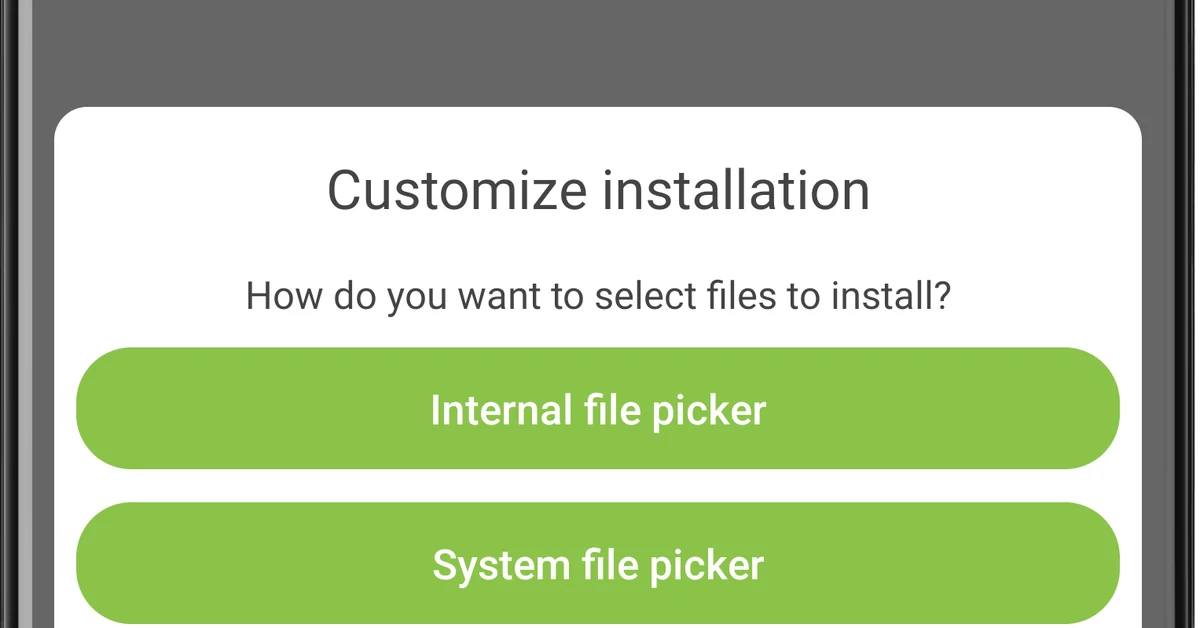
- Get SAI from its official GitHub page: github.com/Aefyr/SAI (rel=”nofollow noopener”).
- Allow unknown apps for your browser so you can install SAI itself.
- Open SAI and tap Install APKs.
- Choose the file picker, then find your XAPK, APKS or APKM file. It is usually in the Download folder.
- Select the file. SAI shows the parts inside and checks them.
- Tap Install. If Android asks for permission, allow SAI to install apps.
- Wait for “Installed”. Then open the game from your home screen.
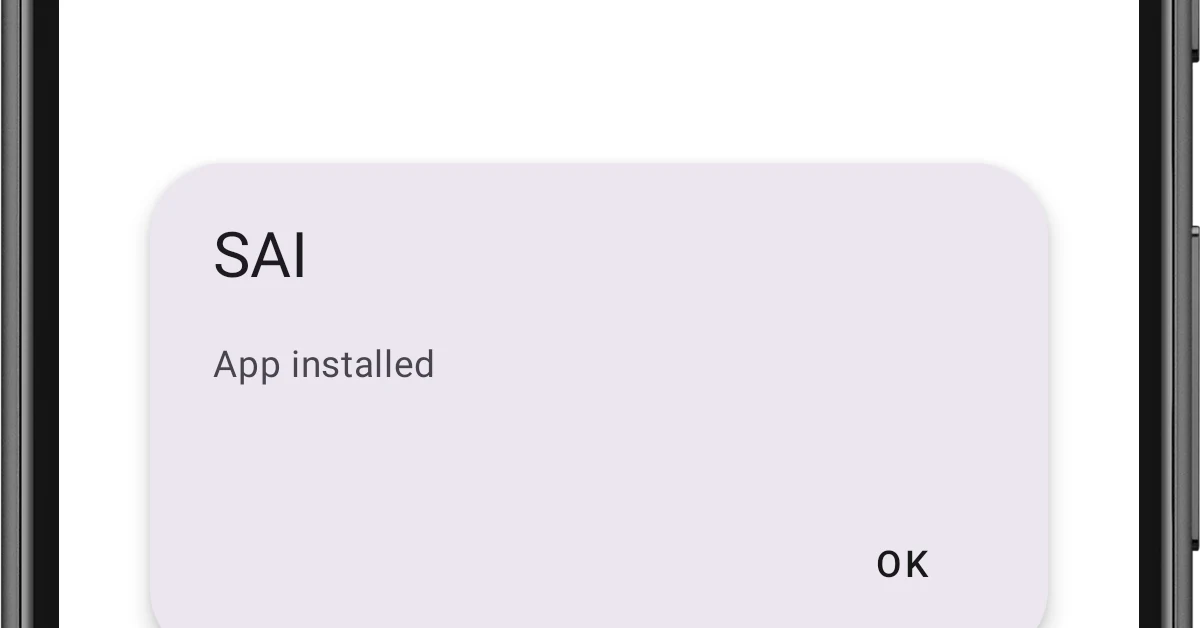
SAI also lets you pick which parts to install, such as one language. Leave every part ticked unless you know what each one does.
What About Encrypted APKM Files?
Wondering how to install APKM file downloads that SAI will not open? Some APKM files are encrypted, so only their own site’s app can read them. The simple fix is to download the same game as an XAPK or APK instead. Every original file on PlatinAPK comes as a standard APK or XAPK that SAI can install.
Method 2: Install XAPK Manually (APK Plus OBB)
Use this method only when an installer app fails. It works only for XAPK files that hold one APK plus an OBB file. You need a file manager such as ZArchiver.
- Rename the file. Change game.xapk to game.zip.
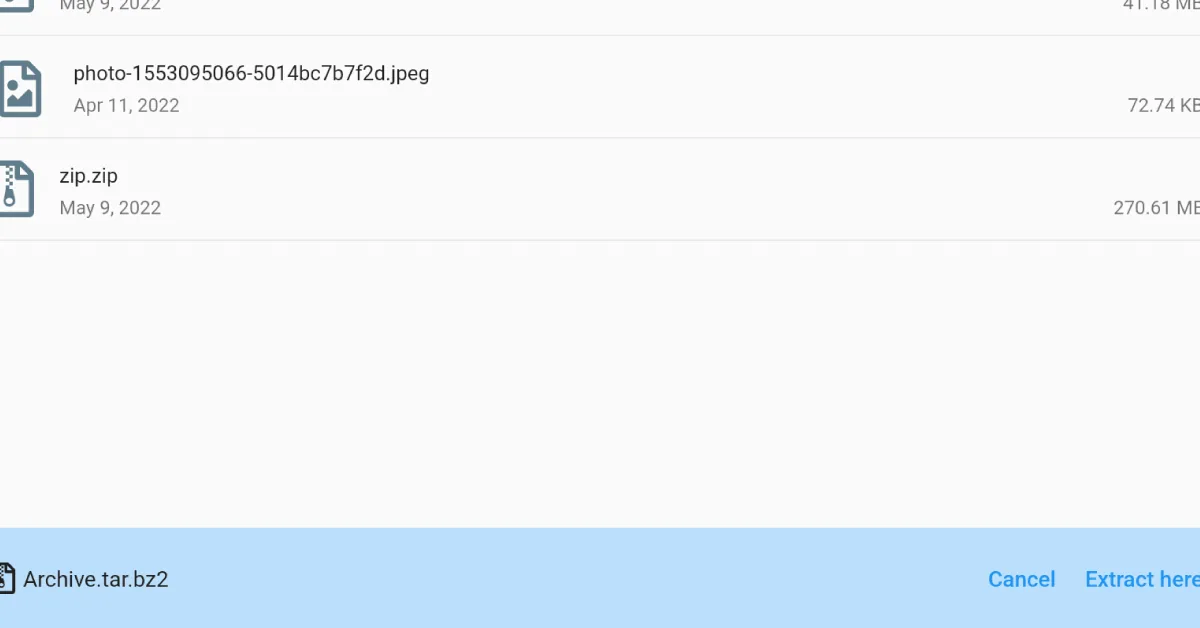
- Extract the ZIP with ZArchiver or your phone’s file manager.
- Open the extracted folder. You will see an APK file and a folder. The folder is named Android, or has a long name like com.lilithgame.roc.gp.
- Copy the OBB folder to Internal storage/Android/obb/. The final path should look like Android/obb/com.example.game/main.123.com.example.game.obb.
- Install the APK by tapping it.
- Open the game. If it starts without asking to download data again, the OBB is in the right place.
If the extracted folder has many APK files and no OBB, it is a split APK bundle. Tapping one APK will not work. Go back to Method 1 and use SAI.
How to Install OBB Files on Android 11 and Newer
Android 11 added storage rules that hide the Android/obb folder from many file managers. Here is how to get around it safely.
- Let an installer do it. Many split APK installers copy OBB files for you. This is the easiest fix.
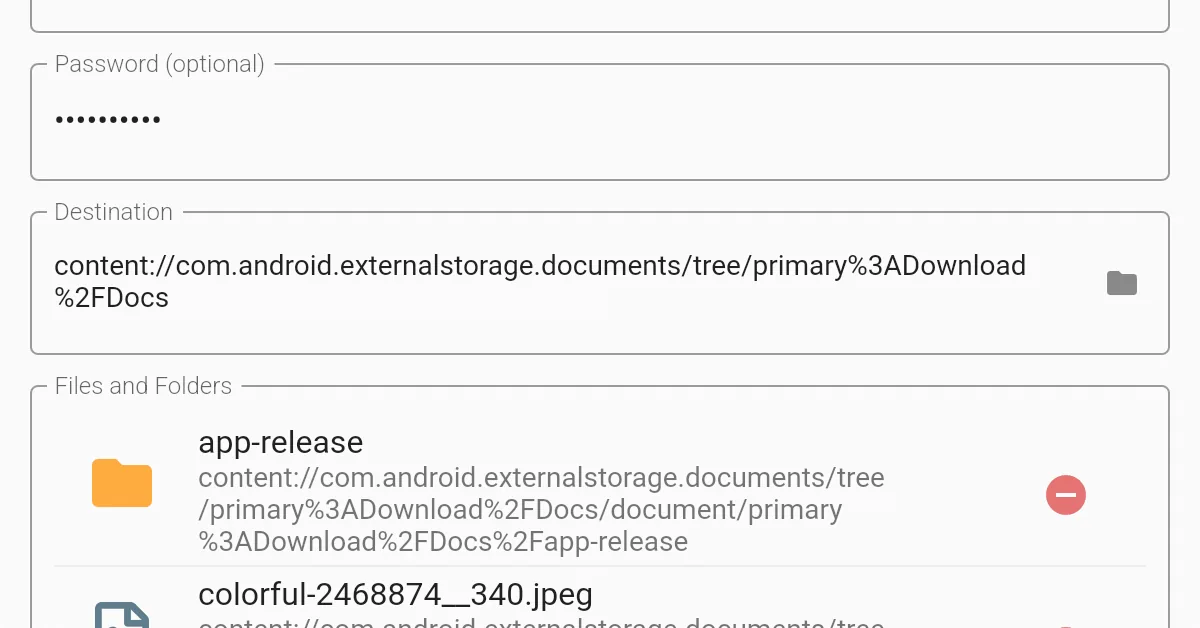
- Use a computer. Connect your phone with a USB cable and choose File transfer. Then copy the OBB folder into Android/obb from the PC.
- Try your phone’s built in Files app. On some Android 11 and 12 phones, it can still open the folder. On Android 13 and newer, this usually no longer works.
Avoid apps that ask for root or strange permissions just to move an OBB file.
Common XAPK Install Errors and Fixes
| Error | Why It Happens | How to Fix It |
| App not installed | An older copy with a different signature is already on the phone | Uninstall the old copy, then install again. Back up your progress first. |
| App not installed as package conflicts | You tried to install an older version over a newer one | Download the latest version instead. |
| There was a problem parsing the package | The file is broken, or your Android version is too old | Download the file again. Check the Android version the game needs. |
| Nothing happens when you tap the file | Android’s normal installer cannot read XAPK | Use SAI or another split APK installer. |
| The game asks to download data again | The OBB file is missing or in the wrong folder | Check the OBB path in Method 2, or reinstall with SAI. |
| App not compatible | The bundle lacks parts for your phone’s processor | Download the version made for your phone, such as arm64-v8a. |
| Installation blocked by Play Protect | Google flags apps from outside the Play Store | Read the warning. Install only if the file is the verified original. |
| Insufficient storage | Not enough free space for the install | Free up at least twice the file size. |
On budget phones like Redmi, Infinix, Tecno and Samsung Galaxy A, most errors have two causes. Low storage and an old copy of the game. Fix those two first.
How to Update a Game Installed From XAPK
Games installed from an XAPK do not always update through Google Play. Here is how to stay current.
- Same source update: Download the new XAPK from the same page and install it with SAI. Your progress stays, because the signature matches.
- Play Store update: Is the file the original from the developer? Then Google Play can often update it like normal.
- Online games: Update quickly. Games like Clash of Clans, Rush Royale and Castle Crush stop connecting on old versions.
Is It Safe to Install XAPK Files?
The format itself is safe. An XAPK is just a ZIP with app parts inside. The risk comes from where the file came from and what is inside it.
Follow these rules every time:
- Download only from pages that show a VirusTotal scan and a SHA-256 hash.
- Keep Google Play Protect on. Google explains how Play Protect checks apps from outside the Play Store.
- Read the permissions. A game does not need SMS, call log or contacts access.
- Prefer original files for online games. Edited files for online games often break and can get your account banned.
- Avoid “unlimited gems” files for online games. They do not work, as our guides on Monster Legends and Megapolis explain.
For a full step by step check, read our guide on how to check if an APK is safe.
Which Method Should You Use?
- You have an XAPK file: Use SAI.
- You have an APKS file: Use SAI.
- You have an APKM file: Try SAI. If it is encrypted, get the XAPK or APK version instead.
- You have an old game with an OBB file: Use the manual method. On Android 11 and newer, copy the OBB from a PC.
- Nothing works: Check the error table, then free up storage and download the file again.
FAQs
Conclusion
Learning how to install XAPK files takes two minutes once you use the right tool. Use SAI for XAPK, APKS and most APKM files. For old games with OBB data, use the manual method. On Android 11 and newer, copy the OBB from a PC. Always download from pages that show a VirusTotal scan, keep Play Protect on and update online games quickly.
Looking for something to install? Browse our list of the best strategy games for Android. Or try a big offline game like Steel And Flesh 2 or World Conqueror 4.