Megapolis MOD APK 2026: Unlimited Money, Megabucks and What Works

| App Name | Megapolis: City Building Sim |
| Publisher | Social Quantum |
| Genre | Strategy |
| Latest version | 19.0.0 |
| Size | 394.4 MB |
| Requires | Android 7.0 or higher |
| Currencies | Coins and megabucks |
| Internet | Required |
| Google Play | Megapolis on Google Play |
A Megapolis MOD APK cannot give you real coins or megabucks. Social Quantum saves your city and your balance on its own servers. A changed file only shows fake numbers. On this page you get the clean original game file. You also get a full guide to earning coins and megabucks faster.
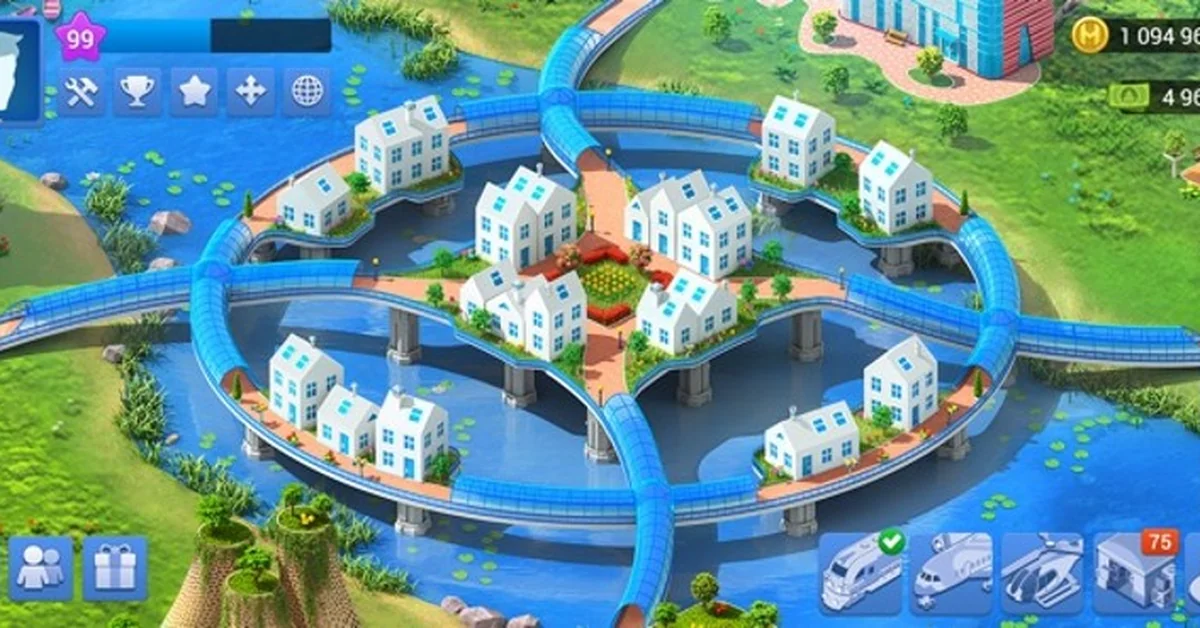
What a Megapolis MOD APK Really Changes
A Megapolis MOD APK is an edited copy of the game file. People want one because big buildings, city expansion and production slots cost a lot of megabucks. But your city does not live on your phone. Social Quantum’s servers store every building, every coin and every megabuck.
That means an edited file can only change what your screen shows. The server still holds the real numbers. Here is what you usually get.
| The Promise | The Reality | Risk |
| Unlimited money and megabucks | A fake counter, or no change | Malware, stolen account |
| Unlimited everything, all unlocked | Buildings show but fail to place or save | Fake file |
| Free shopping | The purchase fails or never arrives | Fake file |
| Anti ban | No mod can promise this | False claim |
| Offline mode | Your city still needs the server to load and save | False claim |
Megapolis Unlimited Money and Megabucks
Megapolis unlimited money is one of the most searched phrases for this game. Many players also look for a Megapolis MOD APK unlimited money and megabucks file. Here is why neither can work.
When you buy a building or expand your land, your phone asks the server first. The server checks your real balance and then saves the change. A mod cannot skip that check. If your screen shows 9,999,999 coins, the server still knows what you really have.
The same goes for any “unlimited everything” file. Megabucks are even tighter, because they are the paid currency. Every megabuck you earn or buy is logged on your account. A file that shows millions of megabucks is drawing a picture, not giving you money.
Megapolis Hack Sites, Cheats and Generators
A search for a Megapolis hack or Megapolis cheats shows many “coins and megabucks generator” pages. Most sit on hijacked university wiki sites. None of them work.
These pages make money from surveys, ads and app installs. Some ask for your login “to send the megabucks”, which is how accounts get stolen. Leave any page that:
- Asks for your Social Quantum, Google or Facebook login
- Wants you to install another app first
- Promises megabucks “in 5 minutes” with your player ID
- Asks you to “verify you are human” through offers
- Offers a file far smaller than the real game
Social Quantum also has its own safety and honest play rules. Using cheat tools or changed files can lead to a blocked account, and your city could be lost.
How to Install the Original Megapolis APK
The file on this page is the real Social Quantum build. We do not add or remove anything. Use it if the Play Store shows an error, or if you want an installer saved on your phone.
| What You Need | Details |
| Android version | 7.0 or higher |
| Download size | About 340 MB |
| File type | APK or XAPK |
| Free storage | Keep 1 GB free for city data |
| Internet | Needed to load and save your city |
- Tap the original APK button near the top of this page.
- Go to Settings and search “install unknown apps”. Allow the browser or file manager you used.
- Open the file. For .xapk or .apks files, use a split APK installer such as SAI.
- Open Megapolis and wait while it loads your city data.
- Log in to the account you linked before, so your city appears.
You can install this file over the Play Store copy. It has the same signature, so nothing in your city changes. Keep Google Play Protect on, and learn how Play Protect checks apps.
When an update arrives: Old versions stop connecting after a new release. Come back for the new original file, or update from Google Play.
What You Can Build in Megapolis
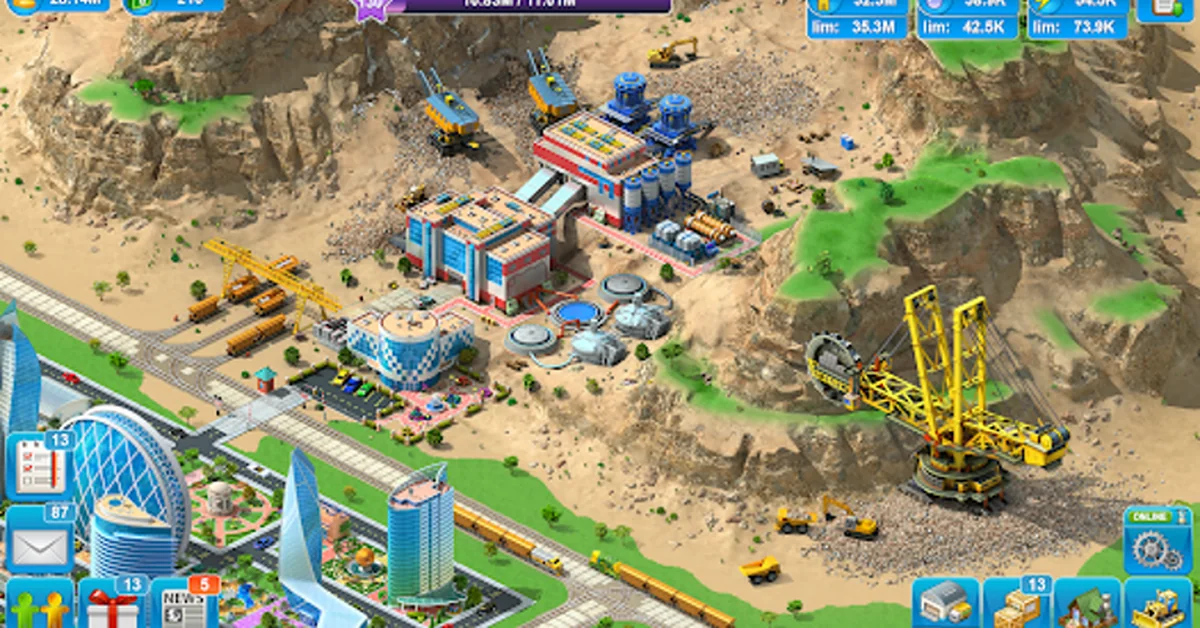
Megapolis is much more than houses and shops. Knowing the big systems helps you plan where your coins and megabucks should go.
| System | What It Does | Why It Matters |
| Homes and services | Bring in residents and pay taxes | Your main coin income |
| Water and power | Supply homes and businesses | Limits how big you can grow |
| Factories and industry | Produce goods and materials | Needed for orders and new buildings |
| Mines and resource extraction | Dig up raw materials | Feeds your factories |
| Railroads and trains | Move goods and earn income | Big money in the mid game |
| Airport | Order board and outside materials | Steady coins from orders |
| Research center | Unlocks new tech and buildings | Opens late game content |
| Spaceport and military base | Late game projects and contests | Space Race and Arms Race rewards |
| Regions and locations | New land outside your main city | More room to build |
9 Ways to Earn Coins and Megabucks for Free
You can grow a big city without paying. These methods come from the game itself, so your account stays safe.
1. Collect Taxes Often
Buildings pay taxes on a timer. Tap the coin icons above them as soon as they appear. Taxes are the main coin source for every mayor.
2. Claim Your Daily Gift
Logging in each day gives a bonus. Even a one minute visit is worth it.
3. Finish Tasks
The task list on the left side of the screen shows each reward. Many tasks pay coins, and some pay megabucks.
4. Level Up
Reaching a new city level gives rewards, and megabucks are part of them. Steady building and collecting push your level up.
5. Fill Orders at the Airport
The order board at the Airport asks for goods from your factories. Bigger orders pay more. You need at least one factory to start.
6. Unlock Achievements
Tap the trophy icon to see your achievements. Many of them pay coins when you finish them.
7. Play the Stock Exchange
Winning at the Stock Exchange is one of the official ways to earn megabucks. Check it when it is open and play carefully.
8. Join a State and Help Neighbors
States are groups of players. Members can ask each other for materials and donate extras. This saves the megabucks you would spend on missing parts.
9. Take Part in Contests and Events
Megapolis runs contests like the Arms Race, Railroad Race, Space Race, Research Contest and the Regatta. It also has a Season Pass and special events. These give buildings, resources and other rewards.
Megabucks tip: Spend megabucks on things that last, like production slots, warehouse space or city expansion. Do not spend them on missing materials or on finishing short timers.
City Building Tips for Faster Growth
Smart planning grows your city faster than any shortcut.
- Balance water and power. New homes need water and energy. If either meter is full, you cannot build more homes.
- Group buildings by type. Put homes together and businesses together, so collecting is quick.
- Run long jobs before you sleep. Start factory items that take 30 minutes or more before you log off. They keep working while you are away.
- Watch your warehouse. A full warehouse stops production. Sell or use items before it fills up.
- Remove extra roads. Many roads are mostly for looks. Removing some frees space for buildings.
- Do not block small buildings. Tall buildings in front of small ones make them hard to tap.
- Sell only in an emergency. You can sell a building for a partial refund, but buildings bought with megabucks only return coins.
Megapolis MOD APK Offline: Is It Possible?
Some players look for an offline version of the mod. Your city lives on Social Quantum’s servers, so the game needs a connection to load and save it. Factories do keep working on their timers while you are away, but you need internet to collect and build.
Want city or strategy games that run with no internet? See our list of the best offline strategy games for Android.
Megapolis vs SimCity BuildIt
Players often compare these two city builders, and some mix up the names when they search.
| Point | Megapolis | SimCity BuildIt |
| Developer | Social Quantum | EA |
| Currencies | Coins and megabucks | Simoleons and SimCash |
| Style | Huge city with industry, railroads and space projects | Smaller city with citizen needs and disasters |
| Group play | States and contests | Clubs and club wars |
| Internet | Needed | Needed |
Pick Megapolis if you like big industry chains and long term projects. Pick SimCity BuildIt if you prefer a smaller city with more focus on citizen happiness. Neither game can be modded for real currency, since both save your city online.
What’s New in the Latest Version
Version 19.0.0 is the newest official build, released in September 2026. Megapolis keeps adding buildings, events and contests through the year.
Phone and Data Tips
- Keep extra space. The install is about 340 MB, and a large city adds more data.
- Update on WiFi. Big updates can use a lot of a small data bundle.
- Lower graphics on a big city. Large cities can lag on a Redmi, Infinix, Tecno or Samsung Galaxy A phone.
- Link your account. Your city stays safe if you change or lose your phone.
Official Game vs MOD: Side by Side
| Point | Official Megapolis | MOD APK |
| Coins and megabucks | Real, saved on your account | Fake on screen |
| Buildings | Placed and saved for real | May fail to save |
| Updates | Same day from Google Play | Late or broken |
| Contests and states | Full access | Same, with ban risk |
| Account safety | Safe | Can be blocked |
| File safety | Checked by Google Play Protect | Unknown source |
Pros and Cons
Pros of the official game
- Huge city with roads, railways, airports and even a spaceport
- Many free coin sources like taxes, tasks and orders
- Contests and states for playing with others
- Calm, slow strategy with no battles
Cons of the official game
- Expansion and slots need many megabucks
- Big cities can lag on budget phones
- Needs an internet connection
Pros of a MOD APK
- None that last, since the server checks every balance
Cons of a MOD APK
- No real money or megabucks
- Ban risk and lost city risk
- Malware risk from unknown files
Our Verdict
Megapolis is a deep city builder, and its servers hold every coin and megabuck. That is why no mod can deliver real money. The pages that promise it are either fake or want your login.
The best path is the official game, from our clean original APK or Google Play. Collect taxes often, fill Airport orders, play the Stock Exchange and spend megabucks only on slots and expansion. That routine builds a great city without any risk.
Screenshots

Similar Strategy Games You’ll Like
- Clash of Clans: Build a village and grow it for years.
- Rise of Kingdoms: Grow a city and lead a civilization.
- Monster Legends: Build a monster island with habitats and farms.
- World Conqueror 4: Turn based world war strategy you can play offline.
See more picks in our list of the best strategy games for Android or browse the Strategy category.
FAQs
Conclusion
A Megapolis MOD APK cannot give you real money or megabucks, because Social Quantum’s servers save every balance. Generators and cheat files are scams that risk your login and your city. Install the clean original APK or the Play Store version. Then collect taxes, fill orders, play the Stock Exchange and spend megabucks wisely. That is the safe way to build a true megapolis in 2026.