Monster Legends MOD APK 2026: Unlimited Gems, Gold and Food Explained

| App Name | Monster Legends |
| Publisher | Social Point |
| Genre | Strategy |
| Latest version | 20.4.1 |
| Size | About 222 MB |
| Requires | Android 7.0 or higher |
| Monsters | Over 900, with new ones added often |
| Internet | Always required |
| Google Play | Monster Legends on Google Play |
What a Monster Legends MOD APK Can and Cannot Do
A Monster Legends MOD APK is a changed copy of the game file. Some players search for it as a Monster Legends APK mod. Players look for one because good monsters cost a lot of gems, and gold and food run out fast. But Monster Legends is an online game. Your island, your monsters and every gem you own sit on Social Point’s servers.
So a mod can only touch what your own screen shows. Here is what the common types really do.

| What the Page Promises | What Really Happens | Risk |
|---|---|---|
| Unlimited gems, gold and food | A fake number on screen, or no change | Malware, stolen account |
| All monsters unlocked | Monsters show up but cannot be used for real | Fake file |
| God mode or one hit kill | Cheats in battles, including live PvP | Account ban |
| Free shopping | The purchase fails or never arrives | Fake file |
| Gem generator website | Surveys and ads, no gems | Stolen login |
Monster Legends Unlimited Money, Gems and Food
Many players search for Monster Legends unlimited money, gems and food in one go. Others look for a Monster Legends MOD APK unlimited gems file only. All three fail for the same reason.
When you buy an egg or speed up a breed, your phone asks the server first. The server checks your real balance, takes the cost and saves the result. A mod cannot skip that check. If your screen shows 99,999 gems, the server still knows the real number.
Gold and food work the same way. That is why even a Monster Legends MOD APK unlimited gems file shows only fake numbers. Your farms and habitats produce them on a timer that the server tracks. A mod that shows “unlimited food” cannot feed a monster for real.
Monster Legends Hack Sites and Gem Generators
A search for a Monster Legends hack brings up pages like “free gems generator, no human verification”. Many sit on hijacked university wiki pages. Some even show up as browser extensions. None of them work.
These pages earn money from surveys, ads and app installs. Some ask for your login “to send the gems”, which is how accounts get stolen. Close any page that:
- Asks for your Social Point, Google or Facebook login
- Wants you to install another app or a browser extension
- Promises “99999 gems” with just your user name
- Asks for SMS, contacts or call log access
- Offers a file much smaller than the real game
Battle Mods and the Ban Risk
Some mods promise god mode, high damage or one hit kills. Monster Legends has live duels and leagues against real players. Using a battle cheat there is unfair to them. The server can also spot results that should not be possible.
Social Point’s terms forbid cheats, bots and changed game files. Accounts caught using them can be suspended or wiped. After years of breeding and ranking up monsters, that is a heavy price.
We do not share battle mods for games with real player fights. Use the safe methods below instead.
Install the Original Monster Legends APK
Our download is the official Social Point build. Nothing is added or removed. It helps if Google Play shows an error, or if you want to keep a backup of the installer.
| Android version | 7.0 or higher |
| Download size | About 222 MB |
| File type | XAPK or APK |
| Free storage | Keep 1 GB free for extra game files |
| Internet | Needed to play |
- Tap the original APK button at the top of this page.
- In Settings, search “unknown apps” and allow your browser or file manager.
- Open the file. If it ends in .xapk or .apks, install it with a split APK installer such as SAI.
- Launch Monster Legends and let it download its extra files.
- Log in to load your island and monsters.
You can install over the Play Store version. The signature is the same, so your progress stays where it is. Keep Google Play Protect on, and see how Play Protect checks apps.
After an update: Social Point blocks old versions from connecting. Grab the new original file here or update through Google Play.
8 Free Ways to Earn Gems, Gold and Food
Free players can build a strong team in Monster Legends. These methods are official and keep your account safe.
1. Level Up
Every new player level gives rewards, and gems are part of them. Finishing goals, battles and building all add XP. Steady play means steady gems.
2. Complete Your Goals
The goals list on the side of the screen gives XP and rewards for simple tasks. Clear them as they appear so you never miss easy progress.
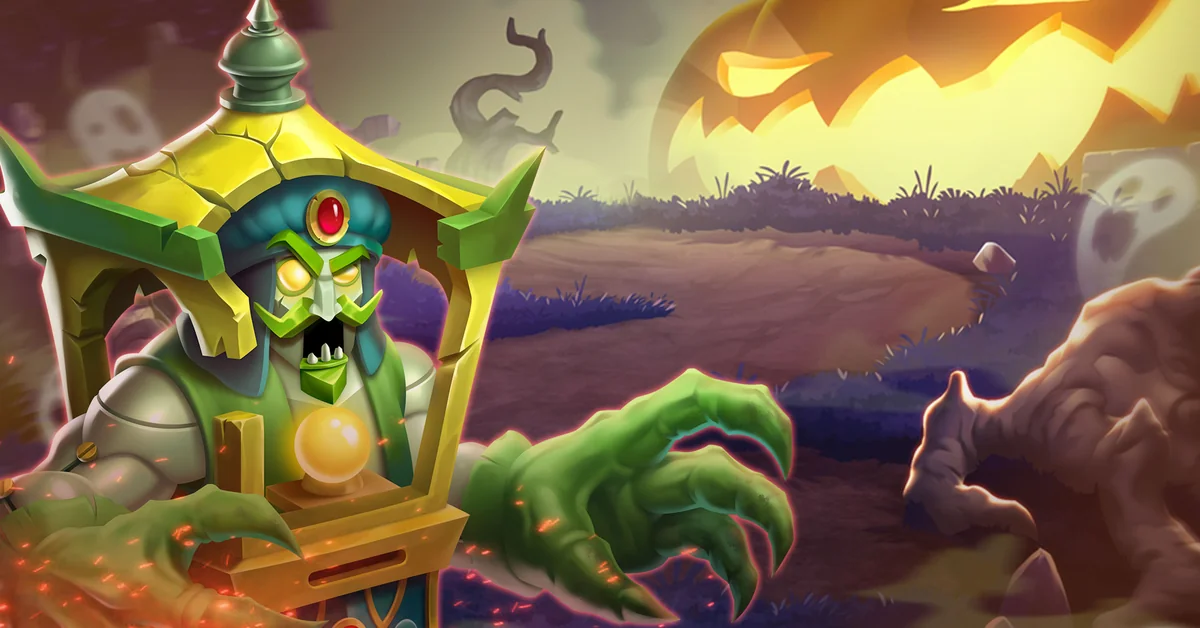
3. Beat Bosses on the Adventure Map
Boss stages on the Adventure Map can pay out gems the first time you win. Clear each new boss as soon as your team is ready.
4. Play Events and Dungeons
Time limited events and dungeons give monsters, cells, gold and sometimes gems. Check the event list daily so you do not miss a reward track.
5. Join an Active Team
Teams take part in group events and team wars together. Active teams finish more tasks and earn better rewards than solo players.
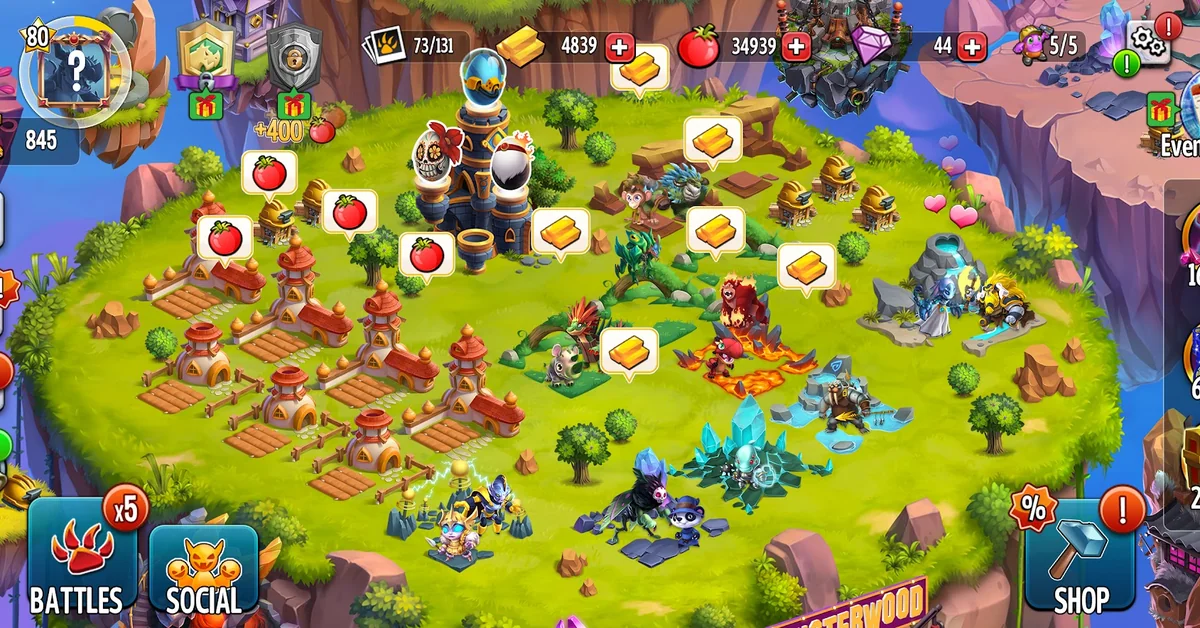
6. Build Gold Habitats
Gold comes from monsters in habitats. Players often use cheap Nature habitats early, since they cost little to upgrade. Collect gold every few hours so the habitat never sits full.
7. Grow Food Farms
Food levels up your monsters. Build several farms and pick crops that match how often you play. Short crops suit active players, and long crops suit night time.
8. Sell Spare Monsters
Extra common monsters can be sold for gold. Keep the ones your team needs and sell the rest to fund upgrades.
Gem tip: Spend gems on things that last, like key monsters or extra habitat space. Avoid spending gems to skip short breeding or hatching timers.
Monster Legends Game Modes Explained
Knowing the modes helps you plan where to spend time each day.
| Mode | What You Do | Best For |
|---|---|---|
| Adventure Map | Story stages against the computer, with bosses | Early XP, gold and first win gems |
| Dungeons | Special stages with set rules and rewards | Cells, monsters and items |
| Live Duels | Real time fights against other players | Trophies and league rewards |
| Multiplayer Leagues | Climb ranks against other teams | Seasonal rewards |
| Team Events and Wars | Group goals with your team | Shared prizes |
| Time Limited Events | Weekly challenges with new monsters | Rare and event monsters |
Monster Rarities and Event Monsters
Monsters come in rarity tiers, from Common up to Legendary and Mythic. Higher rarity monsters have better stats and skills, but they are harder to get.
Many strong monsters, such as Malair, come from events, dungeons or breeding paths rather than the shop. The fastest way to get them is to play the matching event when it runs. Save cells for it ahead of time. Check the event calendar in the game every week so you do not miss one.
How to Build a Strong Monster Team
Good team building wins more fights than extra gems. These tips help new and returning players.
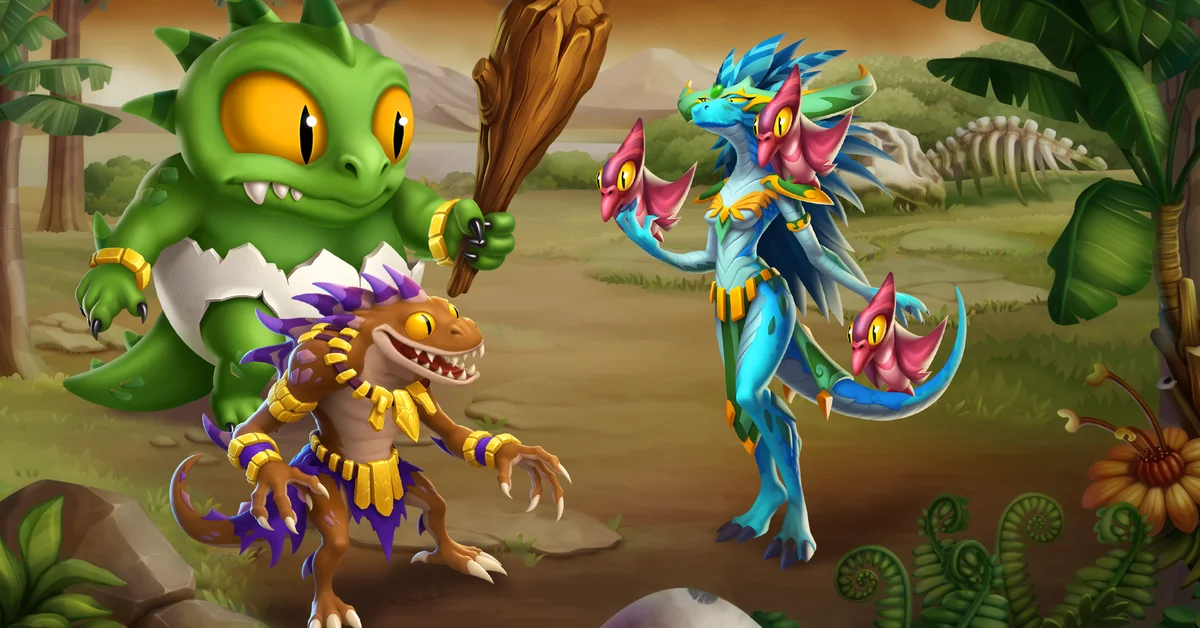
- Learn the element chart. Each element is strong against some and weak against others. Pick monsters that beat the enemy’s element.
- Mix roles. A good team has an attacker, a tank and a control monster that slows or stuns enemies.
- Breed across elements. Breeding two monsters from different elements can produce stronger offspring.
- Level a few monsters well. Spread food on your best three or four monsters, not on every monster you own.
- Use runes, relics and talents. These boost stats and skills. Fit them to each monster’s role.
- Check skills before battle. Some skills hit one target and others hit many. Plan your order.
- Rank up in the Monster Lab. Higher ranks raise a monster’s power. Save cells for monsters you use every day.
What’s New in the Latest Version
Version 20.4.1 is the latest official build, released in October 2026. Social Point adds new monsters and events often, and most updates also fix bugs and balance skills.
Our original APK always matches the newest official build. Does Google Play show a newer version than ours? Update from the store, or come back after we refresh the file.
Online or Offline?
Monster Legends needs internet at all times. Your island and monsters live on the server, and battles, events and duels all need a connection.
Looking for strategy games with no internet? See our list of the best offline strategy games for Android.
Phone and Data Tips
- Keep space for extra files. The install is about 222 MB, but the game downloads more after you open it.
- Update on WiFi. Big updates and new monster art can eat into a small data bundle.
- Lower graphics if your phone gets hot. Close other apps on a Redmi, Infinix, Tecno or Samsung Galaxy A phone.
- Link your account. If you lose your phone, your monsters stay safe.
Official Game vs MOD: Side by Side
| Point | Official Monster Legends | MOD APK |
|---|---|---|
| Gems, gold and food | Real, saved on your account | Fake on screen |
| Monsters | Bred, hatched or won for real | Shown but not usable |
| Updates | Same day from Google Play | Breaks after each update |
| Duels and events | Full and fair | Same, with ban risk |
| Account safety | Safe | Can be suspended |
| File safety | Checked by Google Play Protect | Unknown source |
Pros and Cons
Pros of the official game
- Over 900 monsters to collect and breed
- Many modes, from Adventure Map to live duels
- Free gems from levels, goals and bosses
- New monsters added often
Cons of the official game
- Top monsters need a lot of time or money
- Gold and food run short early on
- Needs a steady internet connection
Pros of a MOD APK
- None that last, since the server checks everything
Cons of a MOD APK
- No real gems, gold or food
- Battle cheats can get you banned
- Malware risk from unknown files
Our Verdict
Monster Legends has been running since 2013, and its servers control every gem, egg and battle. That is why no mod can deliver what it promises. Battle mods also put a long running account at risk.
The smart move is the official game, installed from our clean original APK or from Google Play. Level up, clear your goals, beat Adventure Map bosses and join an active team. That routine builds a strong team without any risk.
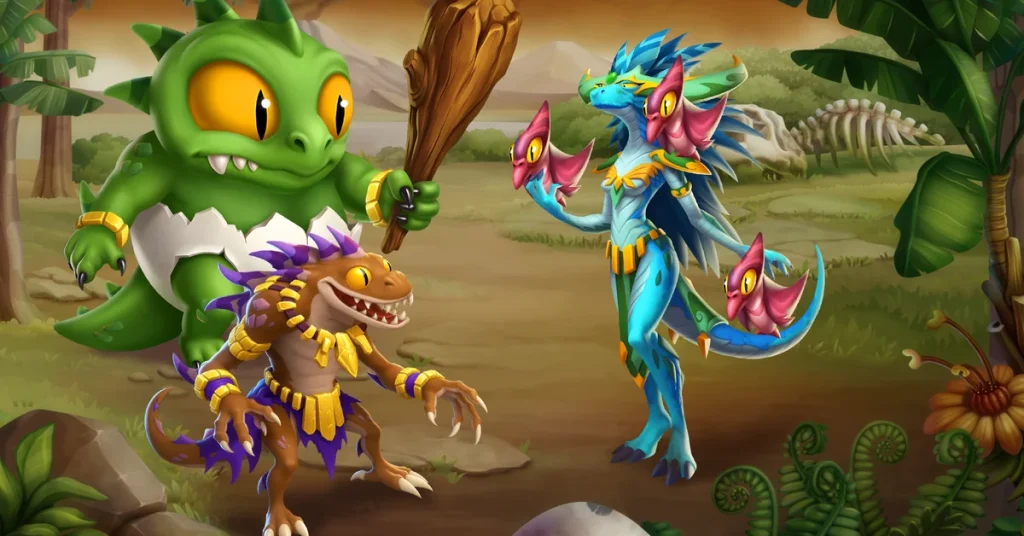
Screenshots
Similar Strategy Games You’ll Like
- Castle Crush: Real time card duels with chests and clans.
- Rush Royale: Tower defense with PvP and co-op modes.
- Haunted Dorm: Offline tower defense with a horror twist.
- Clash of Clans: Build a village and raid with your clan.
See more in our list of the best strategy games for Android or browse the Strategy category.
FAQs
Conclusion
A Monster Legends MOD APK cannot give you real gems, gold or food. Social Point’s servers check every balance. Battle cheats put your account at risk in live duels. Install the clean original APK or the Play Store version. Then level up, clear goals and build gold habitats and food farms. That is the safe way to grow a powerful monster team in 2026.